
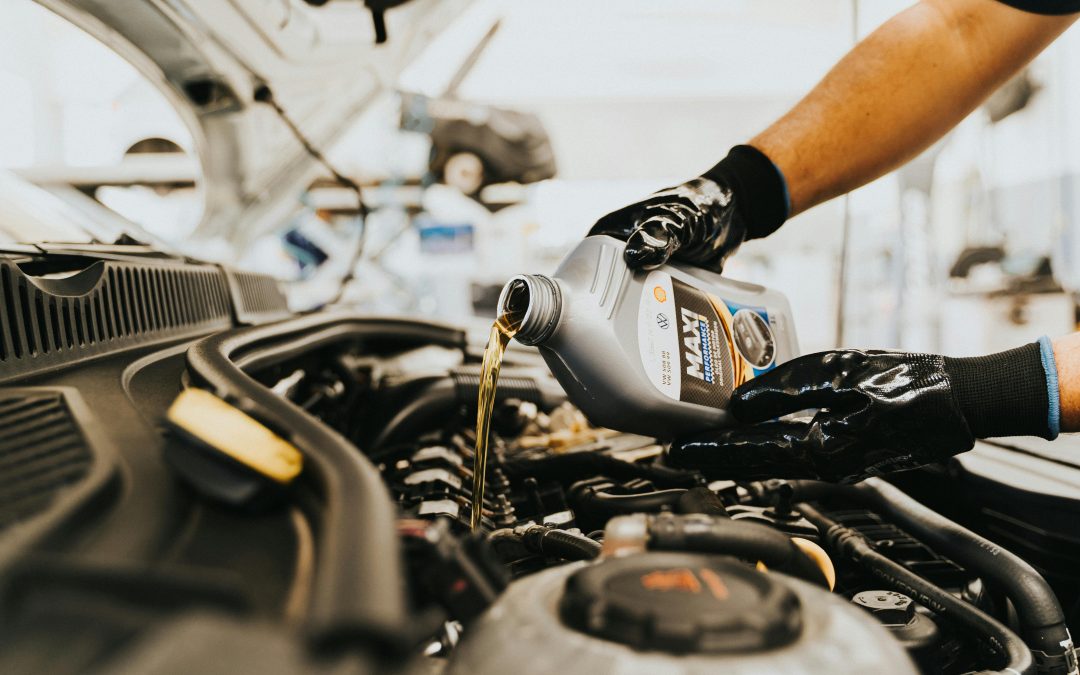
So, you just got an oil change—fresh filter, clean oil, everything done right. But then, as soon as you start your engine again, bam—that annoying message pops up: “Change Oil Soon” or “Oil Change Required.” If you’re wondering, “Why does my car say change oil when I just changed it?”—you’re definitely not alone.
Let’s dig into what might be happening, how to fix it, and how to stop it from happening next time.
First, That Message Isn’t Always About the Oil Itself
Modern vehicles are smart, but not always in the way you’d expect. The “Change Oil” message is often triggered by mileage or engine run time—not whether the oil was actually changed.
“Many cars use an oil life monitoring system, which doesn’t sense oil quality directly, but calculates oil life based on usage.” – AAA Car Care Experts
So, when you change the oil, the message doesn’t just magically disappear. It has to be manually reset.
Here’s Why It’s Still Showing Up
Even after an oil change, you might see that dashboard reminder because:
1. The Oil Life System Wasn’t Reset
This is the most common reason. After an oil change, mechanics are supposed to reset the oil life monitor or maintenance reminder. If this step was missed—or you did a DIY change—it’s likely the system still thinks you’re running on old oil.
2. There’s a Glitch in the System
Sometimes a software or sensor issue can cause the message to appear even after the oil has been changed and the system reset. While rare, it’s worth checking if your car’s due for a system update or has a faulty sensor.
3. Multiple Maintenance Alerts Are Confusing Things
On some vehicles, the oil change reminder is tied into a bigger maintenance schedule. So even if you changed the oil, the system might still prompt for other tasks—like filter replacements, inspections, or tire rotations.
How to Reset the Oil Change Reminder Yourself
If the oil change message is driving you crazy and you’re confident the oil was changed, here’s how you can reset it:
For Most Cars:
- Turn the ignition to “on” (don’t start the engine).
- Press the gas pedal three times within 10 seconds.
- Wait for the light to blink or disappear.
(Always check your owner’s manual—steps vary by make and model.)
If you’re still asking yourself why does my car say change oil when I just changed it, and nothing’s helping, it may be worth having a professional look into a deeper issue.
Tips to Avoid This Next Time
- Double-check that your mechanic reset the system. Ask them before you leave the shop.
- Learn the reset process for your vehicle. It only takes a minute!
- Keep track of your maintenance. Relying solely on dashboard alerts can be misleading.
Real Talk: Is It Dangerous to Ignore the Message?
If you know your oil is fresh and the only problem is a forgotten reset, there’s no danger. But don’t make it a habit to ignore warnings—especially if you’re unsure. Fresh oil is essential to keep your engine healthy. According to the Car Care Council, changing your oil on schedule can extend engine life and improve gas mileage by 1-2%.
Final Thoughts
So, why does my car say change oil when I just changed it? It’s usually nothing serious—just a missed reset. But it’s always smart to double-check and make sure the oil change was done properly.
The good news? Now you know what’s going on, and you’re better equipped to deal with it next time. Go ahead—give that message the boot, and drive with confidence.
Need help with your car’s oil life system? Ask your mechanic next time or look up the reset steps in your manual—it’s easier than you think!